01 / Editorial imagery
A premium visual language for the whole brand.
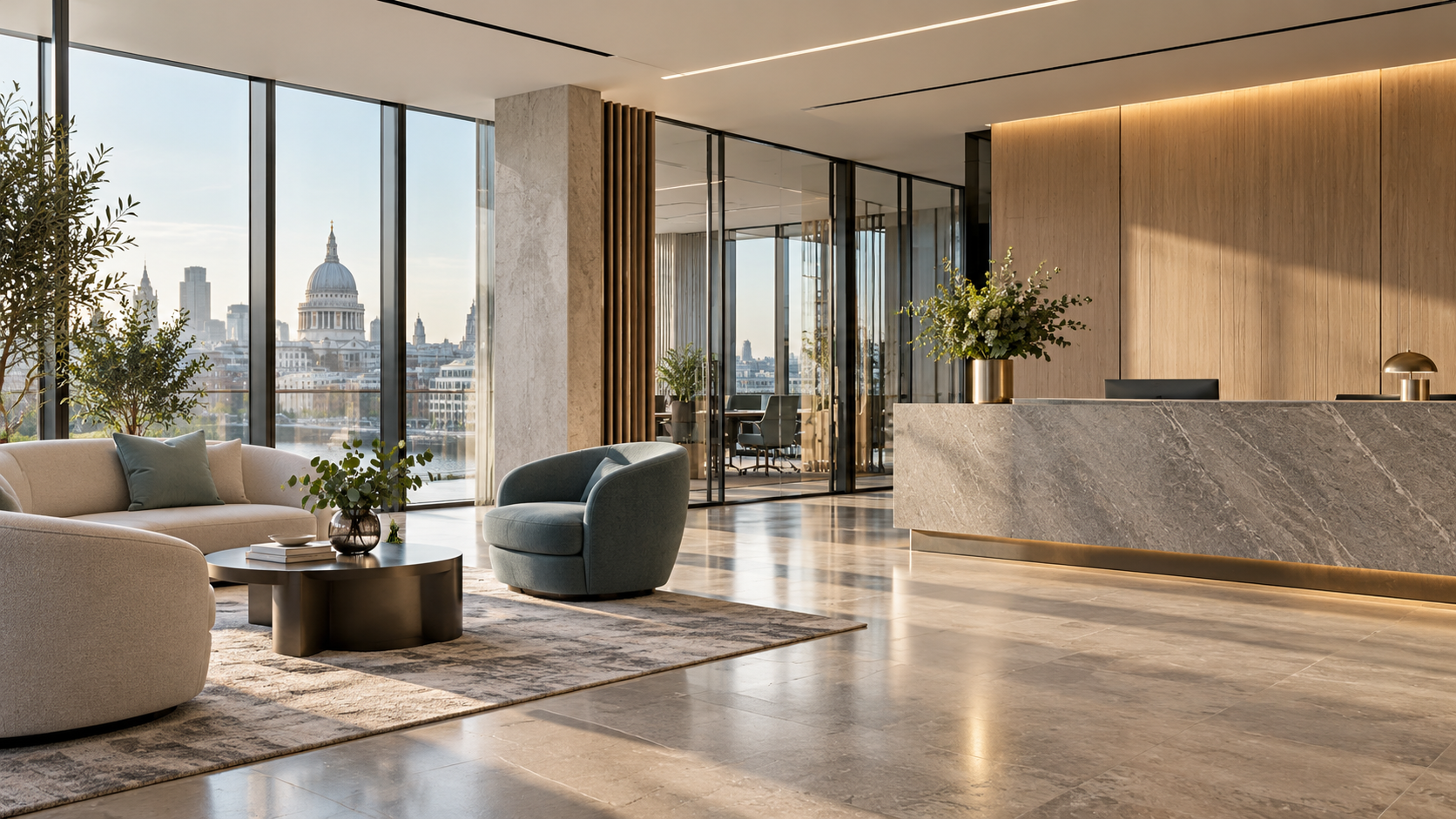
Wide architectural scenes create confidence without requiring client photography. The same treatment can carry across the hero, service pages and enquiry flow.
Ideas to explore
This board shows how imagery could make the commercial site feel more memorable and useful. The scenes are illustrative concepts, not client premises or customer results.
✦Choose a direction first, then we can build the selected idea into the main site.
Wide architectural scenes create confidence without requiring client photography. The same treatment can carry across the hero, service pages and enquiry flow.
These three directions show how the homepage could signal professional cleaning immediately. Every image is an illustrative generated concept, not a client site or customer result.
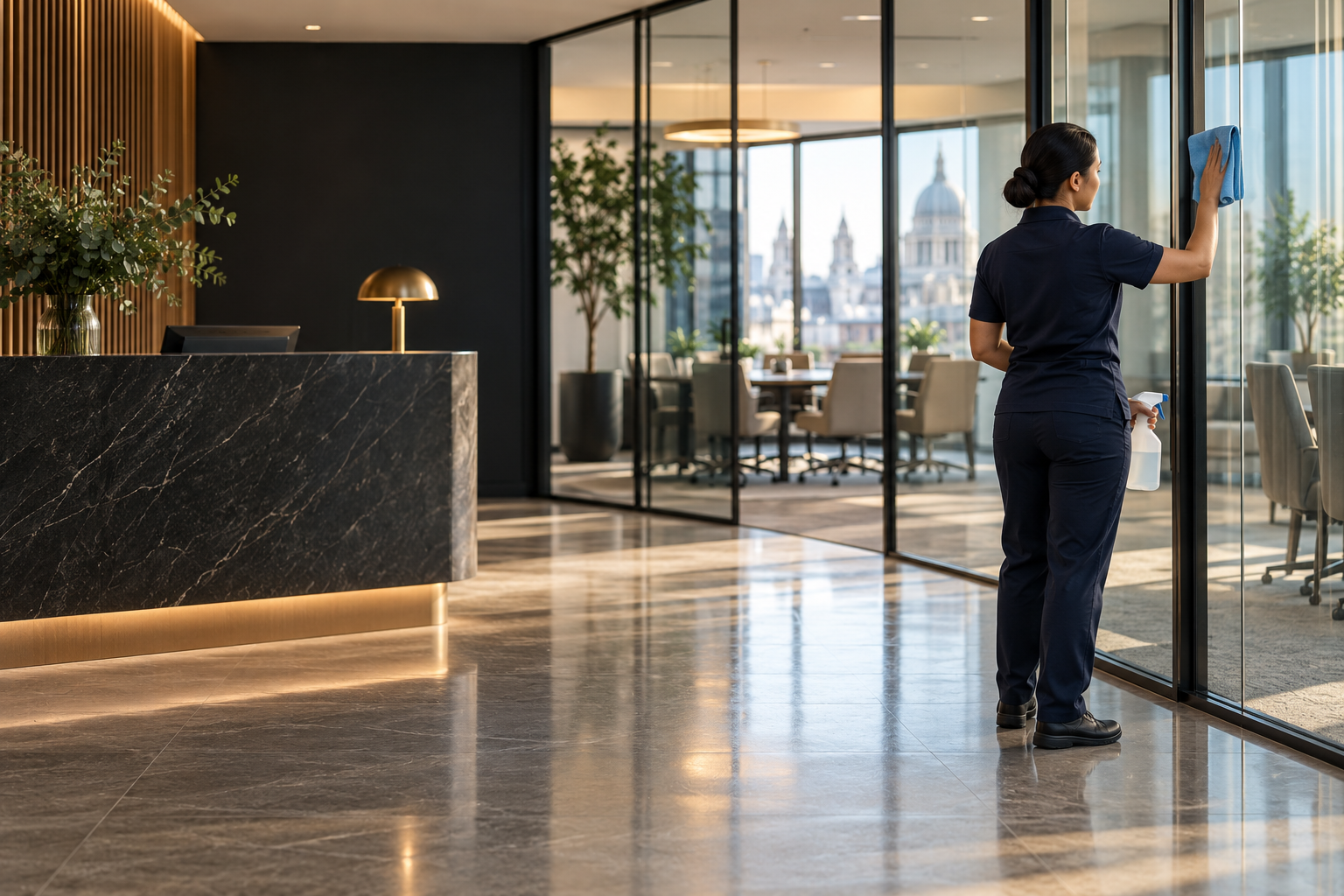 Option 01
A direct service signal with the cleaner placed to one side, leaving space for the homepage message.
Illustrative concept · not client work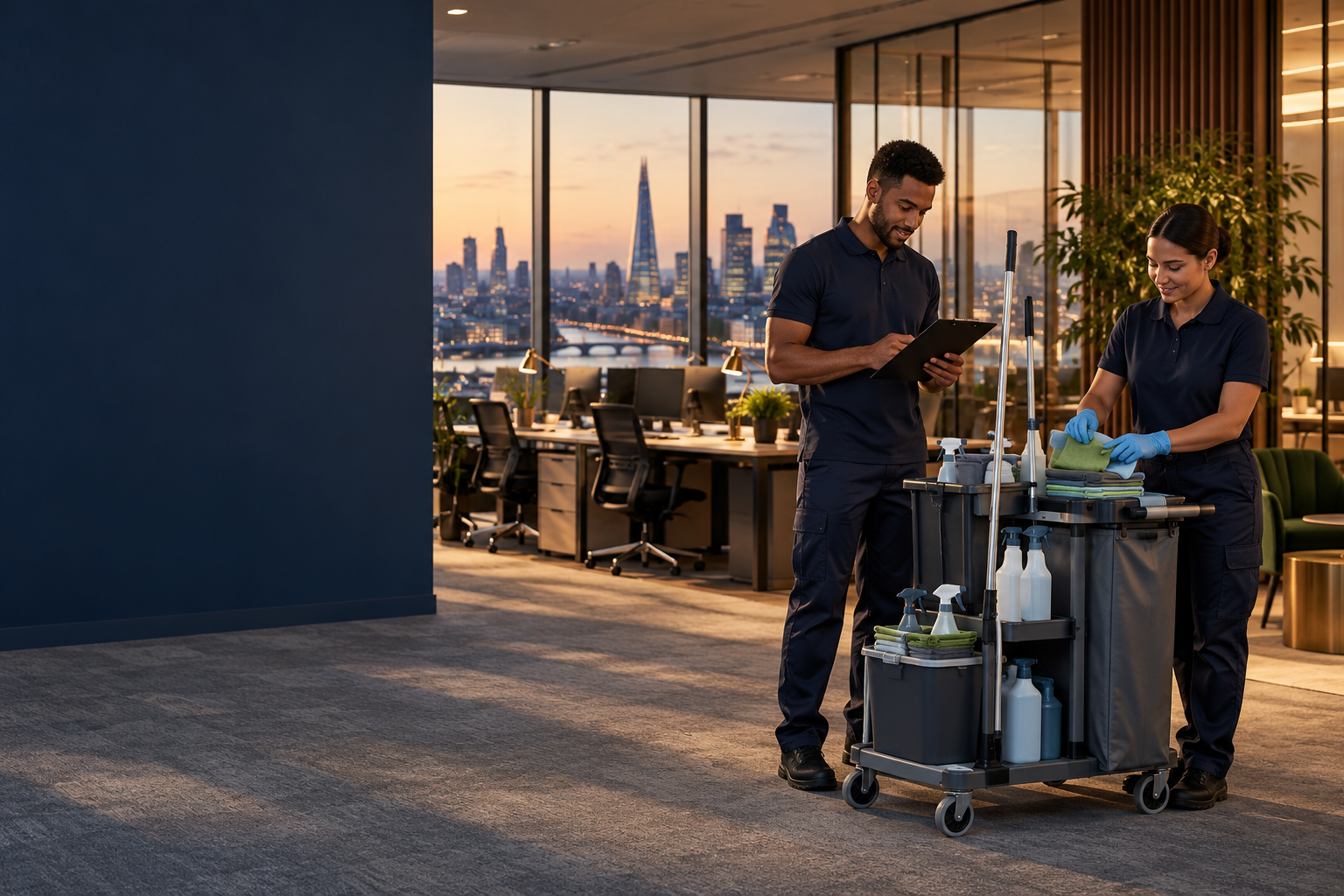 Option 02
Makes the managed service feel human and capable, with the trolley explaining the work at a glance.
Illustrative concept · not client work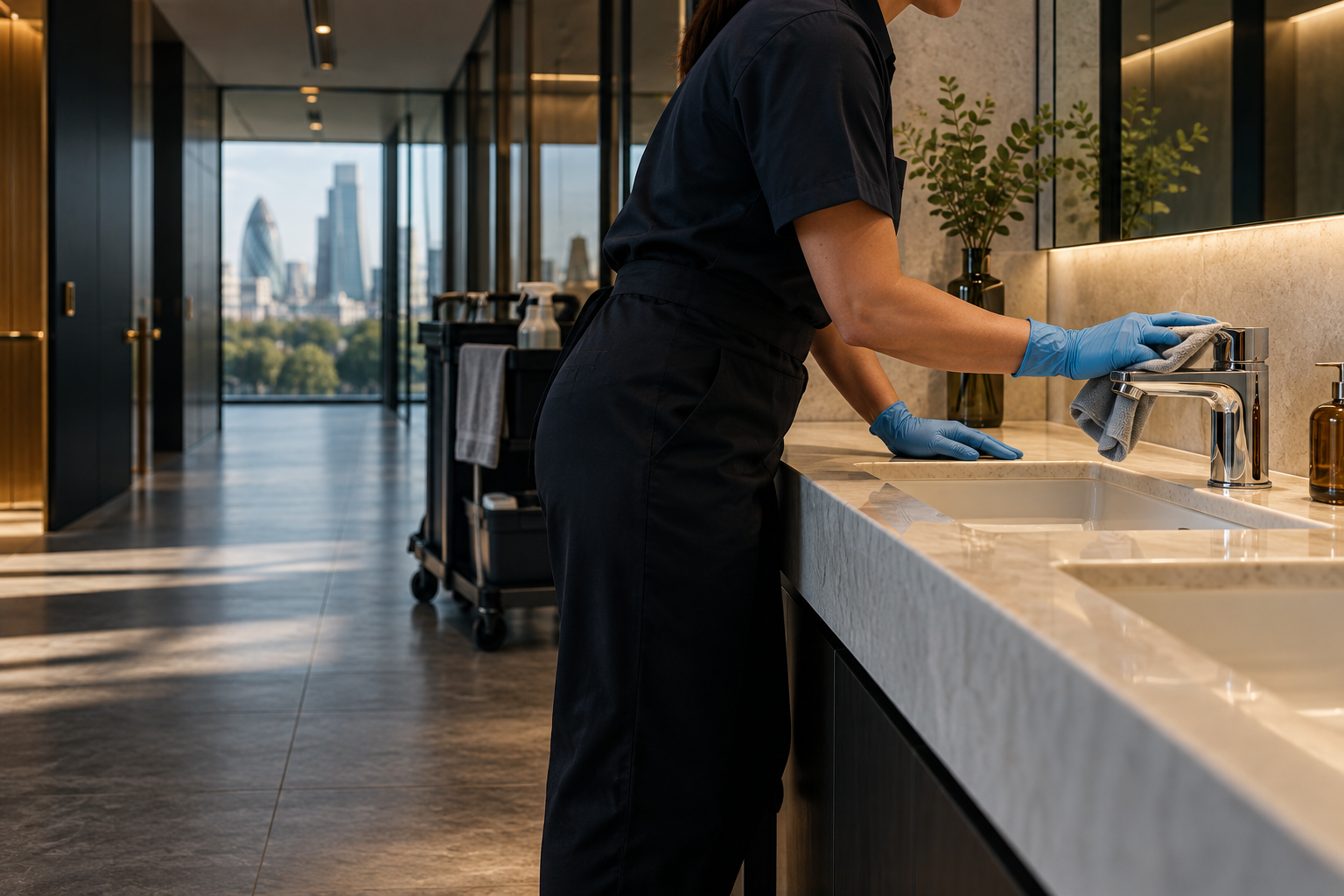 Option 03
A closer, more premium direction that focuses on precision and the standard behind the service.
Illustrative concept · not client workA pinned image can stay in view while each service title and explanation arrives in sequence, creating a more considered second panel than a static card row.
Scroll to move through the service story.
The first scene introduces the space and the feeling the service should create before the visitor needs to read a lot.
The image changes with the story, moving from an individual workplace to the shared spaces that shape a whole building.
The final scene gives the visitor a clear reason to continue into the enquiry section and talk about their own space.
This version puts the image first: each scene fills the panel, the next image enters from the left, and the service message moves in from alternating sides in the same scroll beat.
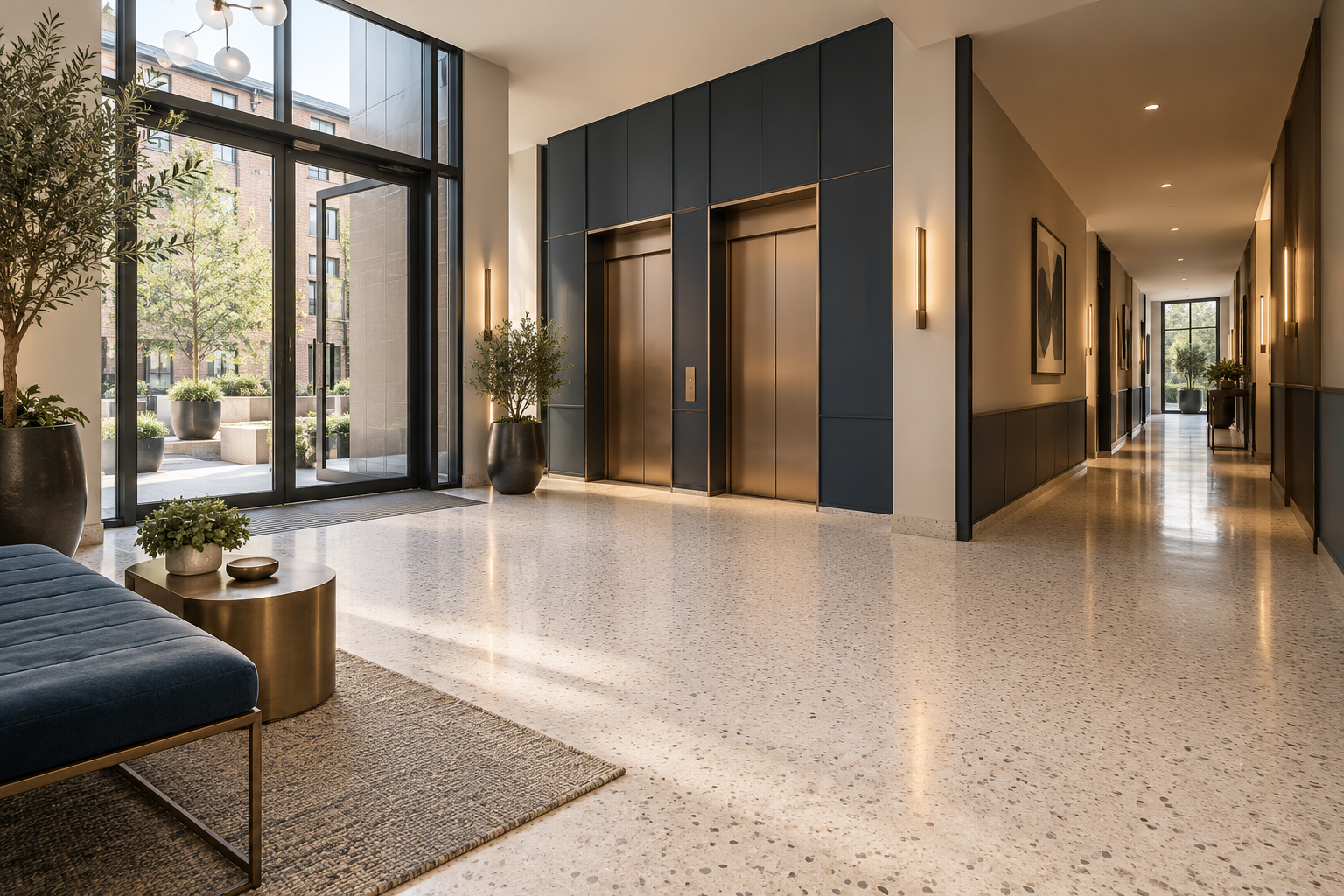
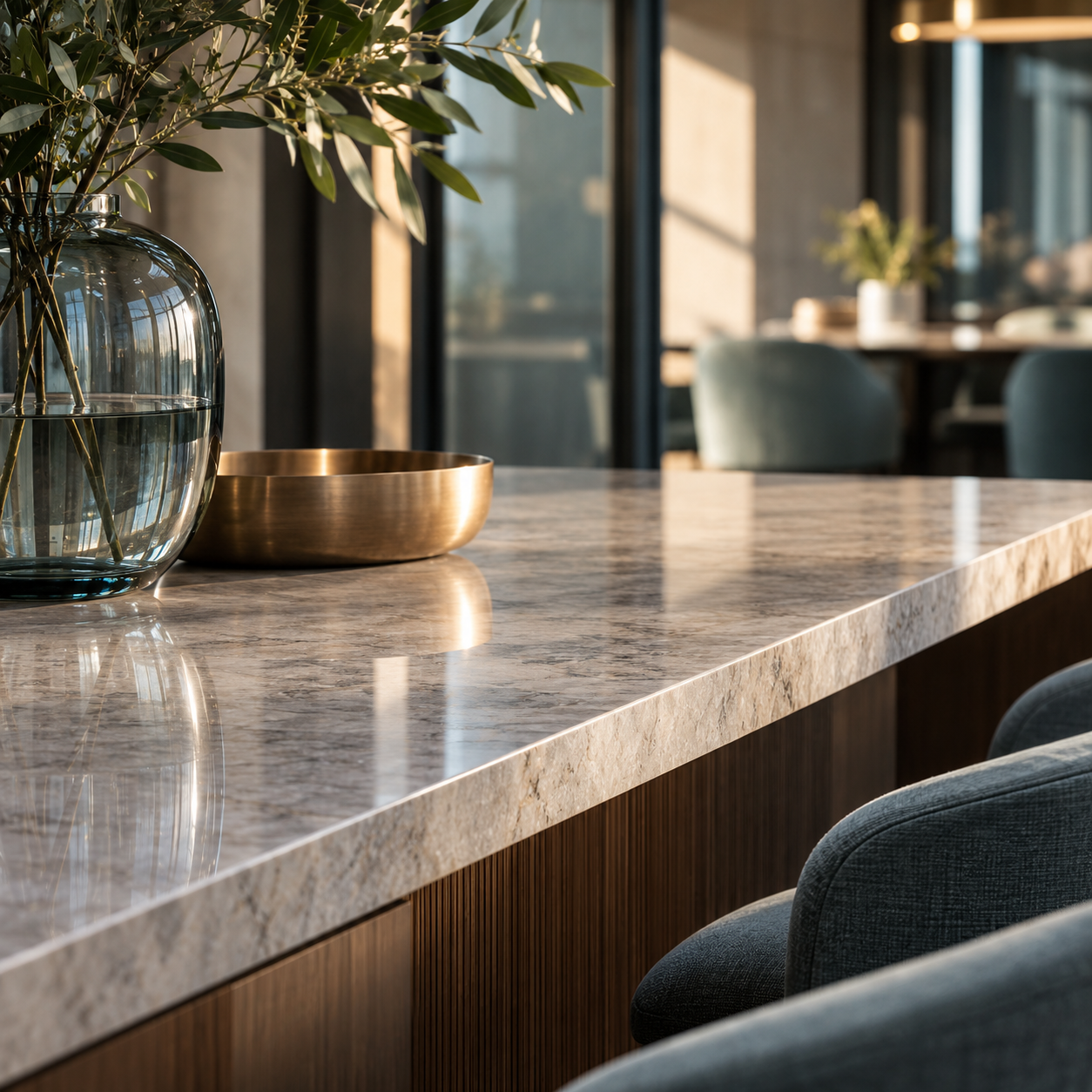
Clear routines for offices, meeting rooms and the details people notice every day.
Consistent attention for entrances, corridors and facilities across a managed building.
A focused service for handovers, deep cleans and a strong new start.
Three image moments can explain preparation, active service and the finished environment without adding long blocks of copy.
Image-led cards make the service list easier to scan and give each cleaning type a distinct visual memory.
A split visual can demonstrate the idea of transformation, clearly labelled as an illustrative example.
Before / conceptAfter / conceptThese buttons change the visual and copy, turning a generic service list into a more personal first step.
Choose a space type to see how the story could adapt for different commercial clients.
Small annotations can explain the standard behind the service and make the subject matter feel considered.
01Clear arrival point02Prepared shared surface03Ready for the working dayThe website can show what happens after the enquiry: quotes, visits and invoices kept together in the client portal.
This could sit inside the enquiry flow later, keeping site images private while giving the team more useful context.
Optional enquiry detail
Upload a few photographs of your site when a written description does not tell the whole story.